Checked 2026-06-18
Cursor Pricing: Hobby, Pro, Teams, and Enterprise
Cursor has a free Hobby plan, paid individual access, Teams seats for collaboration, and custom Enterprise pricing for larger organisations.
Pricing model
Free Hobby plan, $20/mo individual Pro, $40/user/mo Teams, and custom Enterprise.
Best first move
Pro for solo developers; Teams for engineering groups collaborating in Cursor.
Watch out
Every plan includes some model usage, and on-demand usage can bill in arrears after included usage is consumed. Enterprise is the safer path for invoicing, pooled usage, SCIM, audit logs, and access controls.
Quick verdict
Cursor Pro is the obvious first paid step for individual developers, while Teams is the cleaner choice once billing, shared context, SSO, and privacy controls matter.
Plans and pricing
Hobby
Free
For trying Cursor without a card.
- + Limited Agent requests
- + Limited Tab completions
- + No credit card required
Individual Pro
$20/mo
For individual developers using Cursor regularly.
- + Extended Agent limits
- + Frontier model access
- + MCPs, skills, hooks, cloud agents, and Bugbot on usage-based billing
Teams
$40/user/mo
For professional teams collaborating in Cursor.
- + Centralized billing and administration
- + Team marketplace for internal rules, skills, and plugins
- + Shared team context, privacy mode, SAML/OIDC SSO, and usage analytics
Enterprise
Custom pricing
For larger organisations with governance and procurement needs.
- + Pooled usage and invoice billing
- + SCIM, repository, model, MCP, browser, and network controls
- + Audit logs, service accounts, priority support, and account management
Source checked: https://cursor.com/pricing. Vendor prices, taxes, plan names, usage limits, and quote terms can change.
Buyer notes
Note 01
Start with Pro if one developer is testing productivity. Move to Teams when collaboration and privacy controls become part of the buying decision.
Note 02
Ask how included model usage maps to your real coding workflow before rolling out widely.
Note 03
Compare Cursor with GitHub Copilot if the team cares more about staying inside existing GitHub and IDE workflows than switching editor habits.
Check value, terms and context before buying
Review method
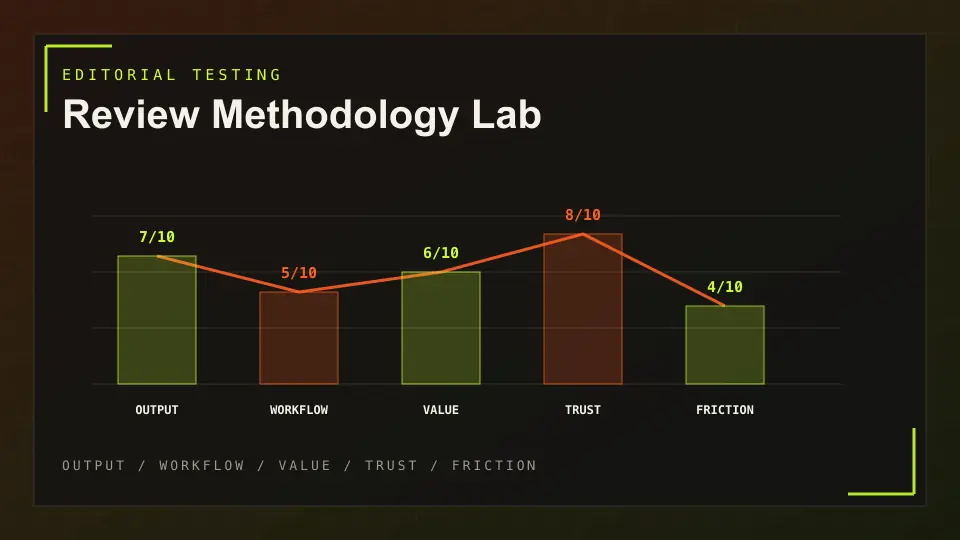
How AES Tech scores practical value, workflow fit, trust signals and buyer friction.
Affiliate disclosure
Commercial links are marked sponsored and do not decide pricing verdicts or rankings.
Privacy notice
How analytics, affiliate click events and direct requests are handled.
Full review
Compare price against strengths, limits, alternatives and best-fit buyers.
Pricing FAQ
How much does Cursor Pro cost?
Cursor lists Individual Pro at $20 per month.
How much does Cursor Teams cost?
Cursor lists Teams at $40 per user per month.
Who should choose Cursor Enterprise?
Choose Enterprise when you need pooled usage, invoice billing, SCIM, audit logs, service accounts, priority support, and stricter access controls.
Next step
Check the live offer before you commit.
We keep this page current, but the final price is the vendor checkout or written sales quote. Review the plan, then compare the full review and alternatives.
Related pricing guides
ChatGPT Pricing: Free, Plus, Pro, Business, and Enterprise
Free plan, paid individual plans, business plans, usage-based Codex, and custom enterprise pricing.
Claude Pricing: Which Plan Should You Choose?
Free, per-user subscriptions, high-usage Max plans, and team seats.
Jasper Pricing: Pro vs Business
Per-seat Pro plan plus custom Business pricing.
GitHub Copilot Pricing: Free, Pro, Pro+, Max, Business, and Enterprise
Free individual tier, paid individual plans, AI credit add-ons, Business, and Enterprise.